A prank script is a sequence of mechanical steps designed to cause brief confusion without damaging property or causing distress. You adjust an everyday object, wait for the user to encounter the change, and then return the item to its original state. The objective is a shared laugh within two minutes of discovery, not prolonged embarrassment or inconvenience.
When you execute a joke at home, at a desk, or in a study hall, you take on full liability for the physical environment. If an adhesive pulls the finish off a desk, the joke failed. If a student loses points on a graded assignment because a notebook went missing, the joke failed. The blueprints below outline specific, field-tested setups that use non-destructive materials and strict time limits.
Selection rules for zero-damage props
A safe prop must leave zero residue, generate zero heat, and contain no toxic or permanent compounds. Before you buy or mount anything, test the material on a hidden patch of the target surface. Wait twenty minutes, remove the material, and inspect the area under direct light for discoloration or adhesive transfer.
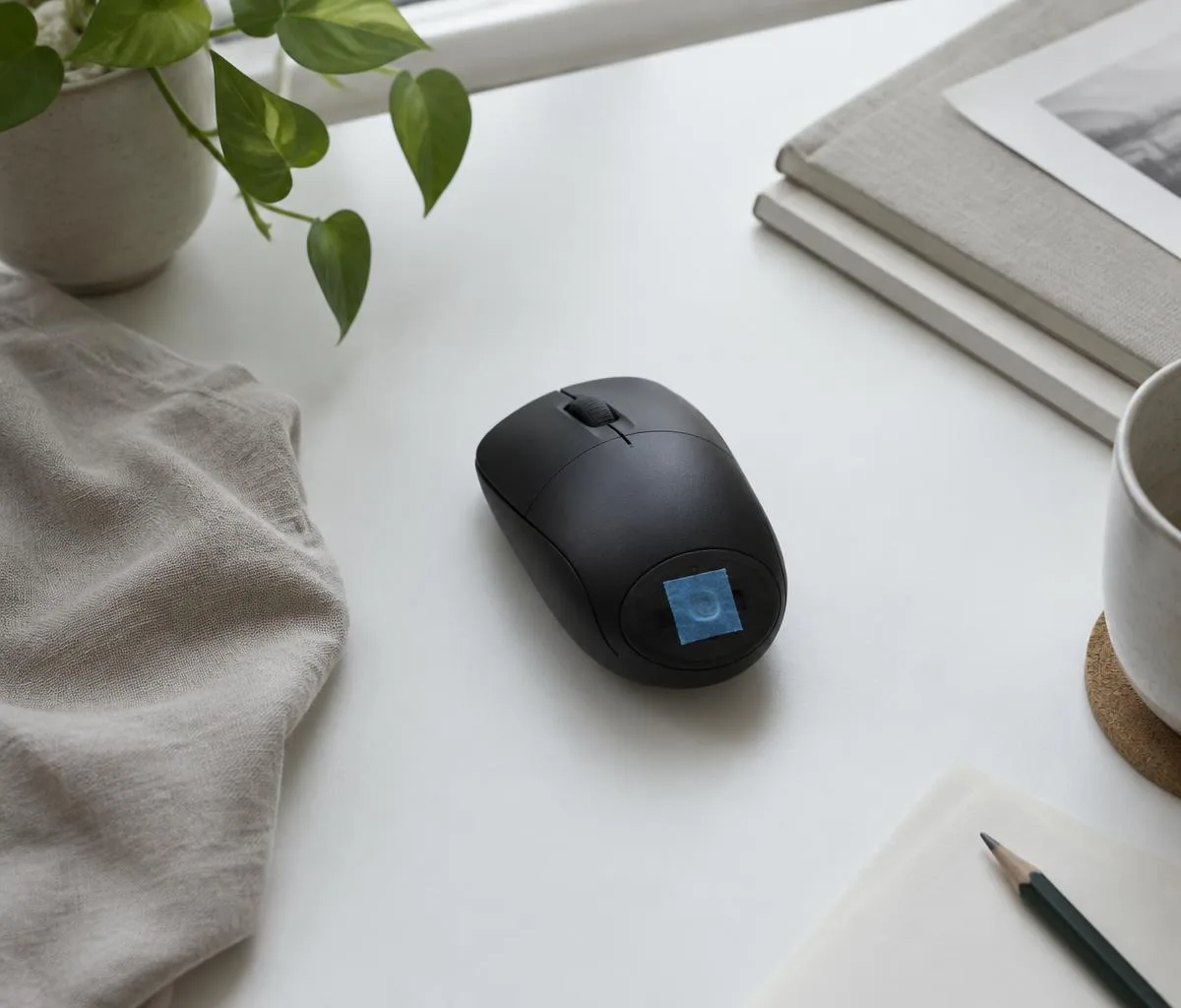
Standard household tape and packaging adhesives are unsuitable for pranks. Duct tape leaves rubber-based adhesives that require chemical solvents to clean. Masking tape dries out and bonds aggressively to paper, drywall, and untreated timber. You should use low-tack paper tapes, static-cling vinyl, or water-soluble gels that wipe away with a damp rag.
| Prop Material |
Max Contact Time |
Approved Surfaces |
Surface Failure Risk |
| Blue painter tape (low tack) |
24 hours |
Cured paint, glass, metal |
Tears unsealed paper, lifts wallpaper |
| Static cling film |
72 hours |
Glass, acrylic monitors |
Picks up surface dust |
| Removable glue stick (repositionable) |
4 hours |
Cardboard, laminate |
Leaves light film on bare wood |
| Plain copier paper (75 gsm) |
Indefinite |
Dry internal food boxes |
None |
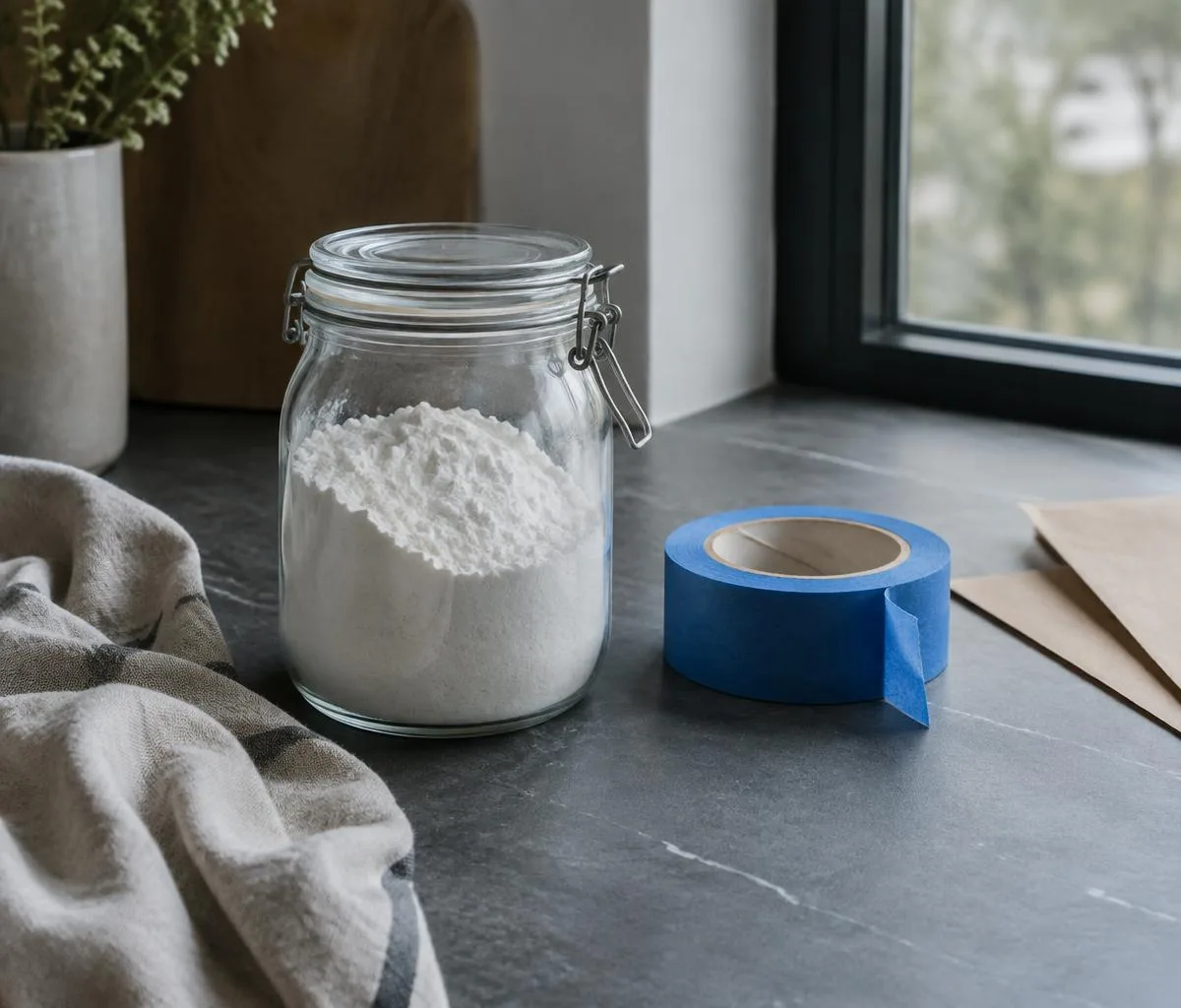
Keep your tool kit basic. Carry a plastic scraper card, a roll of 24-millimeter blue painter tape, a microfiber cloth, and a small spray bottle containing clear tap water. If a surface shows visible grain, peeling veneer, or moisture damage, cancel the setup immediately. Porous materials absorb adhesives, turning a temporary gag into permanent property damage.
The misplaced desktop shortcut routine for offices
This routine targets the graphical user interface of an unattended Windows or macOS workstation. It freezes the apparent functionality of the desktop icons without altering system files, deleting documents, or installing third-party software. The entire setup takes approximately 90 seconds.
Capturing the baseline image
Approach the target machine only when the user is away and no confidential files are open on screen. Minimize all active software windows so only the bare desktop background and icons remain visible. Press the Print Screen key on a Windows keyboard, or press Command, Shift, and 3 simultaneously on an Apple keyboard. This captures an identical image of the current screen layout.
Applying the visual freeze
Open the default image tool, such as Paint on Windows, paste the capture, and save the file as a PNG in the local Pictures folder. Set this static image as the new desktop background wallpaper. The screen now displays an image of the icons beneath the actual icons.
Hiding the active interface
Right-click an empty space on the Windows desktop, select View, and uncheck Show desktop icons. For an Apple workstation, create a temporary folder named Storage on the desktop and drag all loose desktop items into it. The user will see their regular desktop, but clicking on any icon will produce zero response because they are clicking on a flat wallpaper image.
- Maximum run time: 3 minutes after the user sits down.
- Required tools: Standard operating system settings only.
- Emergency stop: If the user picks up the phone to call the IT help desk, intervene immediately.
Do not apply this routine to computers running production line controls, medical monitoring software, or finance workstations during active billing cycles. If an IT policy strictly forbids touching another employee's input devices, skip this routine entirely to avoid disciplinary action.
The phantom cereal box swap for home kitchens
The cereal swap relies on sensory mismatch. The breakfast eater expects a specific texture and flavor based on the exterior branding of the carton, but pours out a completely different, harmless cereal instead. This setup uses existing household pantry items and requires five minutes of preparation the evening before.
Select two cereal boxes of identical height and depth, such as a 340-gram toasted oat box and a 340-gram puffed rice box. Dissimilar box dimensions will crush the liner bags when inserted, leading to torn wax paper or crushed flakes.
Extracting the internal bags
Slide a blunt butter knife under the top cardboard flaps of both boxes to release the factory adhesive points cleanly. Do not tear the outer cardboard tabs. Reach inside and pull the sealed or clipped plastic liner bags straight up. Keep both bags upright to prevent the contents from spilling or breaking.
Swapping and seating the contents
Slide the oat bag into the rice carton, and the rice bag into the oat carton. Push each bag down until it rests flat against the bottom cardboard seam. If the bag binds against the sides, guide it by hand; do not force it down, or the bag will split.
Securing the outer closure
Apply a single 15-millimeter dot of repositionable craft glue or a folded piece of blue painter tape under the center carton tab. Press the cardboard flaps together for ten seconds. The box will appear unopened on the shelf.
Check all dietary requirements in the household before touching the boxes. Never place cereals containing nuts, soy, gluten, or dairy into cartons marked free of those allergens. Cross-contact between opened bags can transfer trace proteins that cause severe physical reactions. When in doubt regarding allergies, consult a medical professional about cross-contamination risks before altering food containers.
The duplicate notebook gag for classrooms
This script replaces an active student notebook with an identical twin that contains unexpected, clean hand-drawn content or blank pages. It generates momentary confusion during the first minute of class when the target opens their bag to take notes.
Procuring the duplicate item
Identify the exact notebook the target uses. Check the binding type, sheet count, and line ruling. A standard wire-bound 70-sheet college-ruled notebook measuring 267 by 203 millimeters is standard. Buy an identical unit from the same manufacturer. Verify that the cover color matches under natural daylight, as dye lots can vary between production runs.
Preparing the interior
Leave the first three pages completely blank. On page 4, write a single non-offensive phrase in blue ballpoint ink, such as "Turn to page 8." On page 8, write "Check your backpack." Do not write obscenities, insults, or fake administrative notices. Keep the layout tidy to match the target's normal study habits.
Executing the swap
Perform the exchange when the target leaves their desk during a break. Slide the authentic notebook into your own bag immediately to protect the pages from creasing, spills, or loss. Place the duplicate notebook in the exact position and orientation the original occupied on their desk.
- Observe the target opening the cover at the start of the lecture.
- Watch for the double-take as they flip through the initial empty pages.
- Hand back the genuine notebook before the teacher begins instructional notes or collects coursework.
Never retain another student's work during an open-book test, an exam, or a homework submission period. If the target shows genuine anxiety about missing coursework, produce the original notebook instantly. Academic standing must never be compromised for a visual gag.
Timing the reveal and managing the cleanup
The reveal is the most critical part of any prank script. If you wait too long, confusion turns into frustration, anger, or wasted time. You must manage the exact window between the target noticing the anomaly and the target attempting a disruptive fix.
The optimal window for an office prank is between 45 and 90 seconds after the target engages with the problem. For home kitchen gags, reveal the switch as soon as the cereal hits the bowl. In a classroom, reveal the switch before the instructor starts talking. Never let a target spend personal money, call maintenance, or submit a support ticket over a visual joke.
Follow a rigid cleanup protocol. When performing the reveal, explain the physical mechanism in plain words: "Look at your desktop settings, it is a static image," or "The real cereal bag is in the other box." Assist with the physical recovery immediately.
- Restore desktop settings: Re-enable desktop icons, delete the temporary background capture, and reapply the user's chosen wallpaper.
- Clean adhesive points: Peel back low-tack tape at a 45-degree angle to avoid surface lift. If glue residue remains, wipe it with a microfiber cloth dampened with clear water.
- Return property: Hand original items directly to the owner. Do not place them on another desk or hide them across the room.
A good rule of thumb: you must spend twice as much time cleaning up the setup as you spent deploying it. Leaving tape, scrap paper, or mislabeled items behind turns a safe joke into common litter.
Most pranks fail due to poor prop selection or disregard for the target's schedule. Review these frequent mechanical errors before attempting any setup:
- Using industrial adhesives: Standard packing tape, electrical tape, and superglues will strip paint, melt plastic casings, and leave permanent resin spots.
- Ignoring the clock: Setting up a joke when a coworker is racing against an end-of-quarter deadline causes legitimate professional disruption.
- Leaving the scene: Walking away from a prank leaves the target without an immediate solution, increasing the risk that they break equipment trying to fix it.
- Targeting shared appliances: Modifying shared office printers, fire alarms, emergency lights, or plumbing valves causes organizational problems and can trigger safety code violations.
Practical next steps for prank execution
Select one script that suits your immediate environment. Procure the required props today and inspect their adhesive properties on a piece of scrap wood or an inconspicuous section of baseboard.
Verify that your relationship with the target is stable and that their current workload allows for a two-minute interruption. If the person is under documented work stress, postpone the blueprint. If you are uncertain about workplace policies or school codes of conduct regarding personal property, consult your employee handbook or student guidelines before taking action.
Prepare the reset tools in advance. Have the original cereal bags ready to swap back, keep the real notebook in your hand, and memorize the keyboard shortcuts needed to revert operating system settings in under 15 seconds. Smooth restoration is what keeps a prank harmless.
This material provides general entertainment ideas only: consult local statutes and property owners before filming or using props in public spaces. Disclaimer